What automations do
An automation creates new products for you every day: design, listing, prices and the Printify product, published or saved as drafts.
Updated · 4 min read
On this page
An automation is a product pipeline that runs on its own. On the days you choose, it creates up to 10 new products a day for one product type: the design, the listing, the prices and the Printify product. It then publishes them to your Shopify or Etsy store, or keeps them as drafts for you to approve.
Where to find it
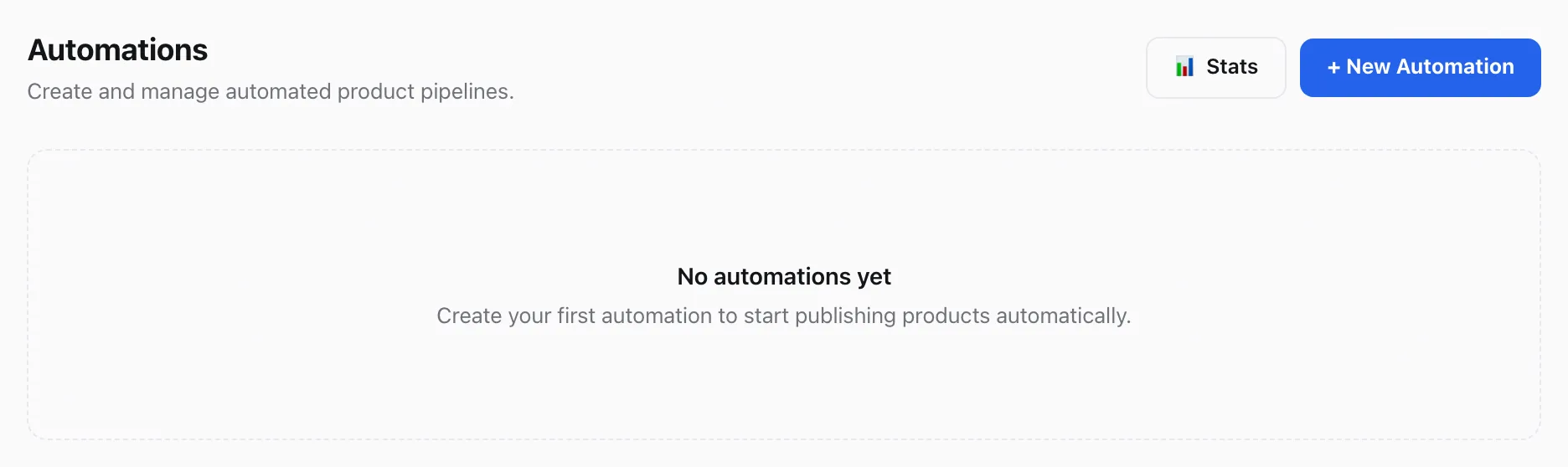
Go to Sidebar → Settings → Automations, or open Automations. The page lists your automations, with + New Automation and 📊 Stats at the top.
What happens for each product
Every time an automation makes a product, it goes through these steps in order:
- Design. With Generate with AI, PallFlow turns your automation name and design prompt into a detailed image prompt, generates the image and upscales it for print. Each run uses a different creative direction, so designs vary. The image is saved to your Media Library. With Use uploaded designs, PallFlow picks a random image from your source group that this automation hasn't used yet.
- Product setup. Your product, print provider, colors, sizes and artwork placement are applied.
- Listing. AI writes the title, description and tags for your channel (Etsy or Shopify), in your chosen tone and built around your Main idea / theme.
- Prices. Each variant's price is its Printify production cost plus the percentage of your margin profile.
- Printify. The product is created in the Printify shop you picked. In Publish immediately mode Printify publishes it to your store. In Save as draft mode it waits for your approval.
- After publishing. If you picked Shopify collections, PallFlow adds the product to them once it has reached your store. An Etsy section is assigned by the Etsy Sections extension. For Etsy products, your color and size charts are queued for the Printify Assistant extension.
Before you start
- Printify connected, with your Shopify or Etsy shop added in Printify. See Connect Printify and Add your shop to Printify.
- Your Shopify or Etsy store connected on My Stores. This is recommended, and you need it to pick collections or an Etsy section.
- At least one pricing margin profile. Products can't be priced without one.
- For uploaded designs: a media group with at least as many images as your daily limit.
- Enough credits for the products you plan to create.
AI designs or your own uploads
| Generate with AI | Use uploaded designs | |
|---|---|---|
| Where designs come from | A new AI image for every product | The next unused image in your source group |
| Credits per product | 10 credits + 3 credits | 3 credits |
| When it stops | On the end date, or when you pause it | When the group runs out (status Completed), on the end date, or when you pause it |
When it runs
PallFlow checks active automations every 30 minutes. A check creates the products still missing for today, one after another, until the daily limit is reached. Days follow server time (UTC). See Schedules, daily limits and special days.
What you'll see
- Status badges on the list: Draft (setup not finished), Active, Paused, and Completed (an upload automation that used every image in its group).
- Each card shows the special day, channel, source (AI or Upload), how many products were created and failed, the daily limit and when it last ran.
- Logs shows every product with its result, and ⏳ Pending approvals lists drafts. See Logs, stats and managing automations.
- On the Designs page, the Automation source tab shows everything automations created, with a filter for each automation.
- The Home dashboard lists your active automations.
PallFlow doesn't email you about automation runs. Check Logs to see what happened.
Credits and limits
- AI designs: 10 credits per image, charged as soon as the image is ready. Listings: 3 credits per product, charged once the title, description and tags are all written. Prompt rewriting and upscaling don't cost extra.
- If a later step fails, credits already charged for that product aren't refunded. Retries continue from where the product stopped and don't charge the same step again.
- If your balance is below the image cost, an AI automation skips its runs (without a log entry) until you add credits.
- Daily limit: 1 to 10 products per automation. PallFlow doesn't limit how many automations you can have.
- Automation charges appear in Credits History as Automation # followed by the automation's number.