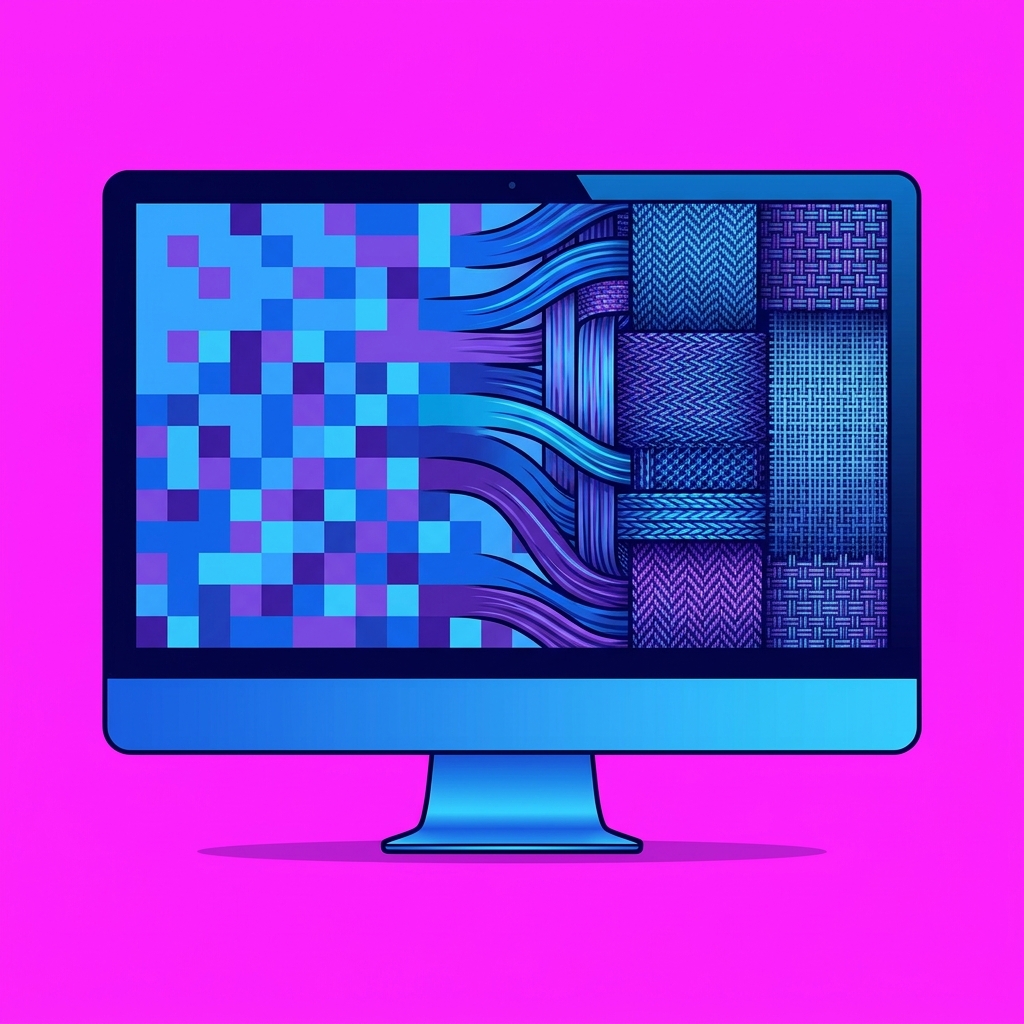
The Challenge of Low-Resolution Designs in Large-Format POD
Print-on-demand image upscaling automation allows e-commerce sellers to instantly convert standard-resolution digital art into high-DPI files suitable for large-format products like tapestries, fleece blankets, and king-size duvet covers.
When scaling a print-on-demand store on Shopify or Etsy, relying on AI image generators or client-submitted files often creates a major bottleneck. Standard AI tools typically output images at 1024x1024 pixels at 72 DPI. While this resolution is adequate for standard coffee mugs or t-shirt chest prints, it falls catastrophically short for a 60x80-inch throw blanket requiring at least 3000 to 5000 pixels on the long edge.
Historically, sellers had to manually drop every single design into desktop software like Photoshop, upscale using bicubic resampling or detail preservation filters, and save out massive files one by one. This manual workflow severely limits catalog growth. Implementing print-on-demand image upscaling automation removes this friction entirely, enabling you to scale your product catalog from dozens of listings to thousands without hiring a graphic designer.
Why Standard Upscaling Fails for POD Products
Before diving into automated solutions, it helps to understand why traditional image resizing breaks down on physical merchandise.
- Pixelation and Blockiness: Simply changing the image size in basic software stretches the pixels, resulting in a jagged, digital look when printed on fabric.
- Loss of Fine Detail: Textures like canvas weaves, distressed vintage effects, and fine linework blur out during naive upscaling.
- File Size and Upload Limits: Massive uncompressed files can choke platform APIs when pushing bulk listings to Shopify or Etsy.
Modern print-on-demand automation tools solve this by integrating AI-based super-resolution models directly into the workflow. Instead of just stretching pixels, neural networks analyze the image content, intelligently predicting and generating realistic textures, sharp edges, and smooth gradients at 4x or higher magnification.
Key Requirements for Automated POD Upscaling
To build a seamless pipeline that takes raw design concepts and turns them into ready-to-publish large-format products, your automation stack needs three core capabilities:
1. API-Driven Resolution Enhancement
Your backend or POD automation platform must connect with advanced upscaling algorithms (such as Real-ESRGAN or proprietary AI upscalers) via API. This ensures that every time a new design is generated or uploaded, it is automatically processed in the background.
2. Intelligent DPI and Color Space Conversion
Digital screens use RGB color space at 72 DPI, but physical printers require CMYK or optimized high-gamut RGB profiles at 300 DPI. An automated pipeline should handle this conversion dynamically, ensuring your blankets and tapestries do not print washed-out or dark.
3. Smart Cropping and Aspect Ratio Matching
A square 1:1 AI generation cannot cleanly fill a 2:3 poster or a 3:5 tapestry without awkward cropping. Automated upscalers paired with smart layout engines can pad, extend, or intelligently expand backgrounds to fit specific product templates without distorting the focal subject.
Integrating Upscaling into Your Shopify and Etsy Workflow
Manually downloading an image, upscaling it on a web tool, uploading it to a mockup generator, and writing titles is a recipe for burnout. Here is how modern top-tier sellers structure an end-to-end automated workflow:
- Step 1: Generation or Bulk Import: Create your designs using AI image generators or collect them in a central asset folder.
- Step 2: Automated Enhancement: Route the raw files through an automated upscaling queue that scales them to print-ready dimensions (e.g., 4500x5400 for large prints or higher for blankets).
- Step 3: Mockup Generation: Feed the high-resolution files into automated mockup engines to generate lifestyle images for tapestries, throw pillows, and wall art.
- Step 4: Bulk Publishing: Push the completed listings directly to your Shopify store or Etsy shop with optimized SEO tags, pricing, and variant mappings.
Platforms like PallFlow help streamline these exact operational hurdles, connecting design generation, mockup creation, and multi-channel publishing so you spend less time file-wrangling and more time marketing.
Best Practices for Large-Format Print Quality
Even with advanced automation, garbage in still means garbage out. To protect your store's feedback score and minimize return rates on large-format items, keep these guidelines in mind:
- Set Minimum Pixel Thresholds: Configure your automation rules to reject or flag any source image that falls below a strict baseline (e.g., anything under 800px) to prevent AI upscalers from generating uncanny artifacts.
- Test Print Samples: Always order physical samples of your large-format products (like blankets and tapestries) when testing a new upscaling preset or software provider.
- Mind the Fabric Texture: Remember that soft fabrics absorb ink differently than flat paper. Slightly higher contrast and saturation in your automated presets can compensate for fabric ink spread.


