The Hidden Cost of Messy File Names in Print-on-Demand
When running a print-on-demand (POD) store on Shopify or Etsy, managing a handful of designs is simple. You upload a PNG, link it to a mockup, and hit publish. But as your catalog grows from 50 products to 5,000 variants, manual asset management breaks down.
Fulfillment errors often trace back to something as mundane as poor file naming. When a print provider receives files like final-design-v2-fixed.png or shirt_mockup_final(1).png, the risk of human or systemic error skyrockets. Wrong designs get printed on wrong garments, variants get swapped, and customers receive delayed, incorrect items.
Implementing strict print on demand file naming conventions solves this. Standardizing how you name your design files ensures that print houses, internal teams, and automation software always know which asset goes where. Modern POD automation platforms rely heavily on these naming structures to route high-volume orders without manual intervention.
Why Print Houses Reject Poorly Named Files
Print-on-demand fulfillment centers operate at high speeds. Automated direct-to-garment (DTG) printers, embroidery machines, and laser cutters depend on clear file paths. If your file names contain unsupported characters or lack contextual metadata, automated workflow software may reject the file entirely or route it to manual review.
Manual reviews cause bottlenecks. Orders sit in limbo, processing times stretch from 24 hours to several days, and customer satisfaction drops. Furthermore, vague file names make bulk inventory updates nearly impossible. If you need to swap out a high-resolution print file across fifty different listings, you need a predictable, programmatic naming structure to find and replace those assets instantly.
Core Principles of Effective POD File Naming
To build a scalable e-commerce operation, your file naming convention must be readable by both humans and machines. Here are the core principles to follow when organizing your print files:
- Use Lowercase and Hyphens: Avoid spaces, capital letters, and special characters (
!,@,#,?). Use hyphens to separate words (kebab-case), which prevents URL encoding issues and software parsing errors. - Include Key Metadata: A robust file name should tell you the SKU, product type, placement, and color variant at a glance.
- Maintain Version Control: Instead of writing
v2, use strict semantic versioning or date stamps if files are updated (e.g.,2026-03). - Separate Print Files from Mockups: Keep strict directory boundaries and distinct naming prefixes for high-resolution print files versus marketing mockups.
Anatomy of a Bulletproof POD File Name
What does an ideal file name look like in practice? Let's break down a standardized formula used by high-volume e-commerce sellers.
[SKU]_[Product]_[Color]_[Placement]_[Dimensions].png
Here is a real-world example of this convention in action:
vint-cat-001_hoodie-heavyweight_black_front_12x16in.png
Let’s analyze why this works:
vint-cat-001: The unique product or design identifier linked to your database.hoodie-heavyweight: Specifies the exact blank product category.black: Indicates the garment color, helping avoid printing dark designs on dark shirts without an underbase.front: Specifies print placement (front, back, left sleeve).12x16in: Provides the exact physical print dimensions, ensuring the print house scales the vector or raster file correctly.
How POD Automation Software Uses Naming Rules
As your store scales, manual file management becomes unsustainable. This is where POD automation SaaS platforms like PallFlow step in to streamline operations.
Automated systems ingest your product data, generate optimized print assets, and push listings directly to Shopify and Etsy. Behind the scenes, these platforms rely on strict file naming logic to map your design assets to supplier APIs.
When an order comes in on your storefront, the automation software matches the order variant to the corresponding file name in your cloud storage or asset library. Because the file name contains the exact SKU, color, and placement metadata, the system generates a flawless API payload for the fulfillment partner. This eliminates manual copy-pasting, reduces human error, and ensures your orders flow from checkout to production in seconds.
Best Practices for Cloud Storage and Asset Management
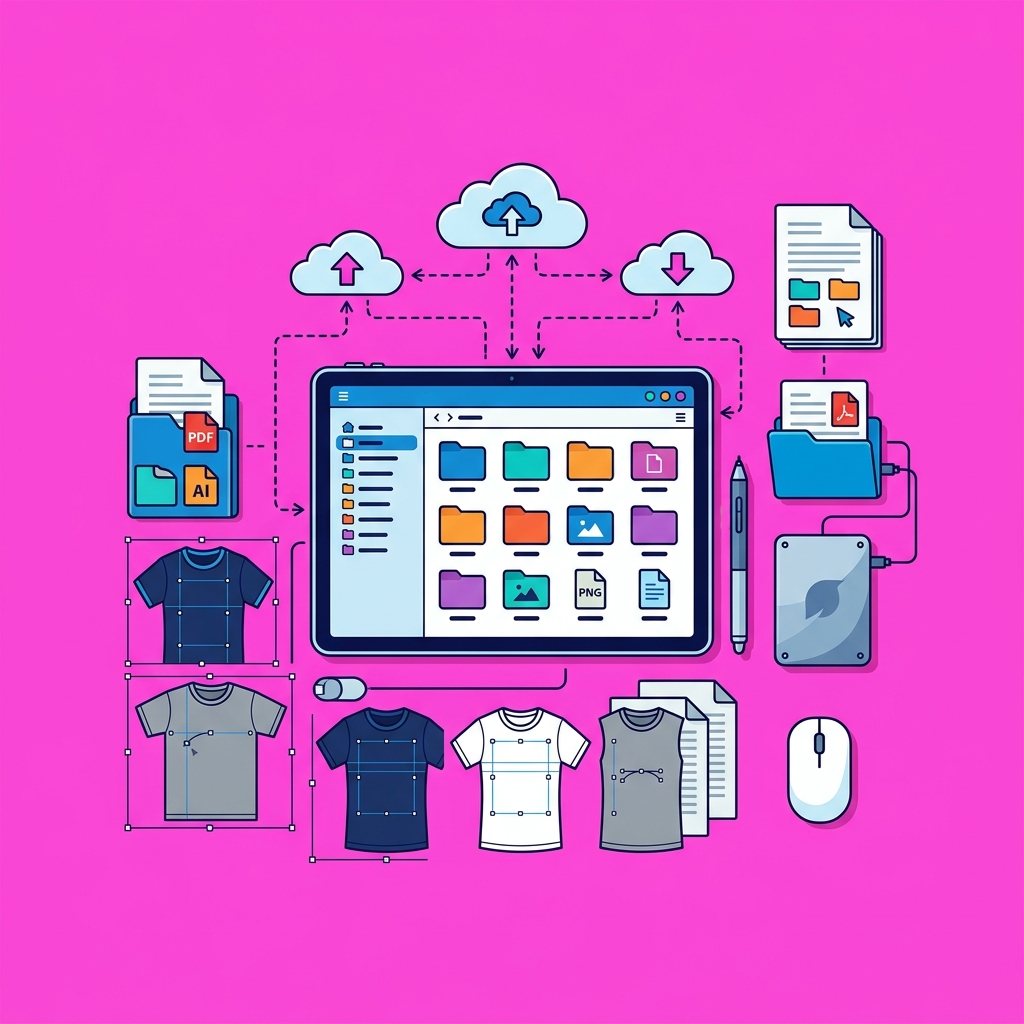
Your file naming convention is only as good as your folder structure. To keep your workflow organized, establish a centralized cloud repository (such as AWS S3, Google Drive, or Dropbox) integrated with your automation stack.
- Categorize by Niche or Collection: Group master files into top-level folders based on your store collections (e.g.,
/apparel/vintage-cats/). - Archive Old Versions: Never delete working files, but move deprecated versions to an
/archive/folder to prevent accidental publishing. - Lock Master Design Files: Keep native vector files (
.ai,.svg,.psd) separate from exported production-ready transparent.pngfiles.
By combining a disciplined file naming convention with robust POD automation tools, you safeguard your business against fulfillment errors, speed up production times, and free up hours to focus on marketing and scaling your store.


