Supplier stockouts are one of the fastest ways to tank your e-commerce store's metrics. When a best-selling hoodie or coffee mug goes out of stock at your primary print-on-demand (POD) supplier, you face delayed shipments, angry customers, and painful order cancellations.
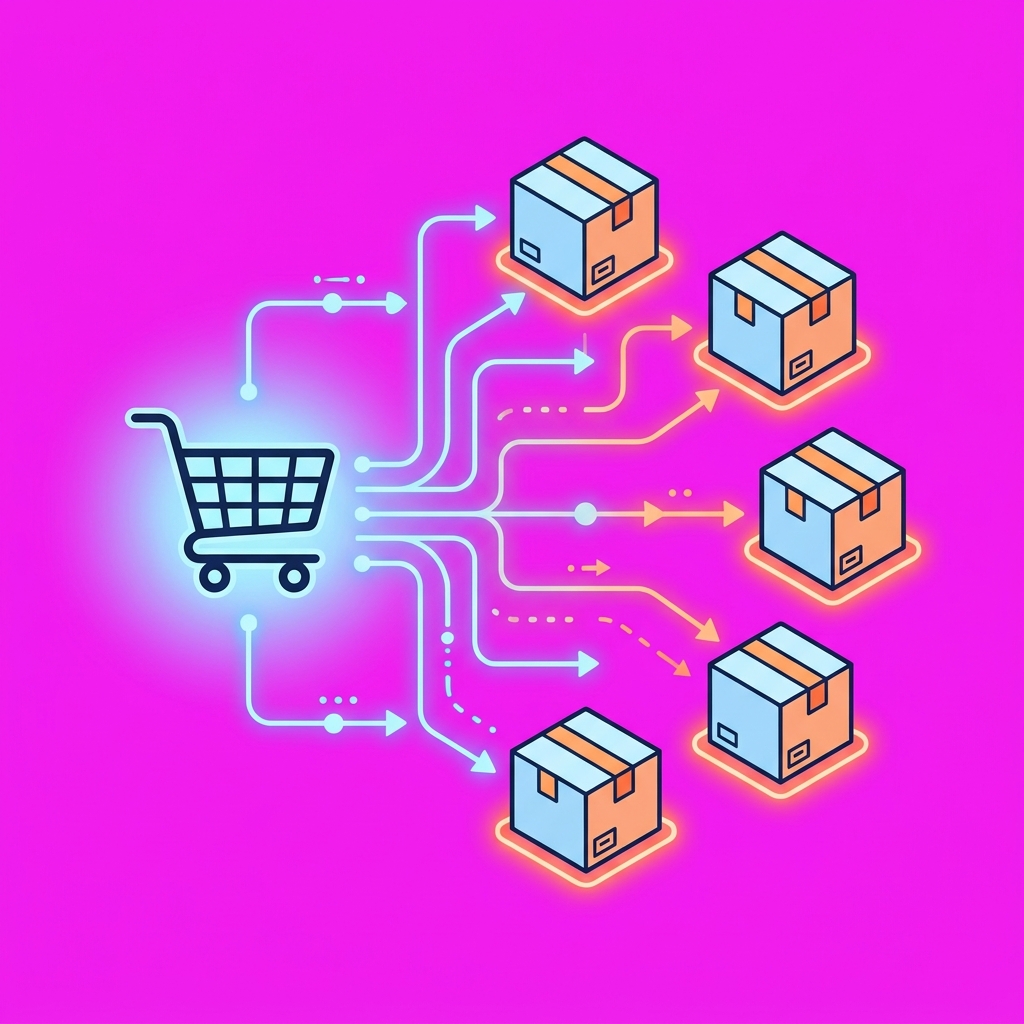
Print on demand automated order routing supplier backup systems solve this problem by intelligently redirecting customer orders to pre-configured backup suppliers the moment inventory dips. Instead of manually checking stock levels across multiple dashboards, automated software handles the switch seamlessly behind the scenes.
The True Cost of POD Stockouts on Shopify and Etsy
Running a multi-channel store on Shopify and Etsy means balancing customer expectations with volatile supply chains. When a supplier runs out of a specific blank garment or color, the fallout is immediate:
- Metric Penalties: Etsy and Shopify monitor your fulfillment rate and shipping times closely. Late shipments or cancellations can hurt your search visibility.
- Customer Churn: Modern shoppers expect Amazon-level speed. A sudden email saying an item is out of stock often leads to a canceled sale and a negative review.
- Wasted Marketing Spend: You paid for the Facebook or TikTok ad that acquired the customer, only to lose the sale at the fulfillment finish line.
Historically, sellers tried to prevent this by manually checking inventory or keeping duplicate listings for different suppliers. Both methods drain time and lead to human error.
How Automated Order Routing Works
Automated routing acts as an intelligent traffic controller for your e-commerce fulfillment. When a customer places an order on your storefront, your automation platform evaluates several parameters before pushing the order to a production partner.
1. Inventory Checking
The system verifies real-time stock levels of the exact SKU (size, color, and product type) at your primary supplier.
2. Fail-Safe Triggering
If the primary supplier shows zero inventory or marks the item as backordered, the routing logic instantly triggers your designated backup supplier.
3. Cost and Quality Matching
The routing engine looks for a secondary partner that matches your quality standards and fits within your profit margins, ensuring you don't accidentally lose money on a fulfilled order.
4. Seamless API Dispatch
The order details, customer shipping address, and print files are securely transmitted to the backup supplier via API, initiating printing and shipping without manual intervention.
Setting Up Your Supplier Backup Strategy
Implementing a robust routing workflow requires planning your supplier network carefully. Follow these steps to build a fail-safe fulfillment operation:
Map Your Core Product Catalog
Audit your best-selling items on Shopify and Etsy. Identify which blank goods (like Bella + Canvas 3001 t-shirts or generic white mugs) are prone to seasonal shortages.
Establish Secondary and Tertiary Partners
Never rely on a single print-on-demand supplier. Partner with at least two or three reputable fulfillment networks with similar geographic footprints (e.g., US-based printers for US customers) to keep shipping times fast.
Standardize Your Mockups and Files
Ensure your print files (PNGs at 3001x3001 pixels, 300 DPI) are universally compatible across your chosen suppliers. Different manufacturers may have slightly different printable area dimensions, so test sample orders ahead of time.
Leverage Advanced Automation SaaS
Manually updating routing rules across disparate spreadsheets is unsustainable. Modern POD automation platforms like PallFlow integrate directly with Shopify and Etsy to handle product generation, bulk listing, and intelligent fulfillment routing in one unified dashboard.
Best Practices for Managing Backup Suppliers
Even with automated routing, managing multiple suppliers requires ongoing oversight to protect your brand reputation.
- Monitor Print Quality: Order periodic blind samples from your backup suppliers to ensure print clarity and fabric weight match your primary provider.
- Account for Price Variations: A backup supplier might charge a slightly higher base cost. Ensure your automated pricing rules account for this so your profit margins don't vanish.
- Track Carrier Performance: Make sure your backup suppliers use reliable carriers (like USPS, UPS, or DHL) to maintain consistent delivery timelines.
By establishing automated supplier backups, you remove the stress of supply chain volatility. Your store continues to process orders smoothly, keeping your metrics pristine and your customers happy.


