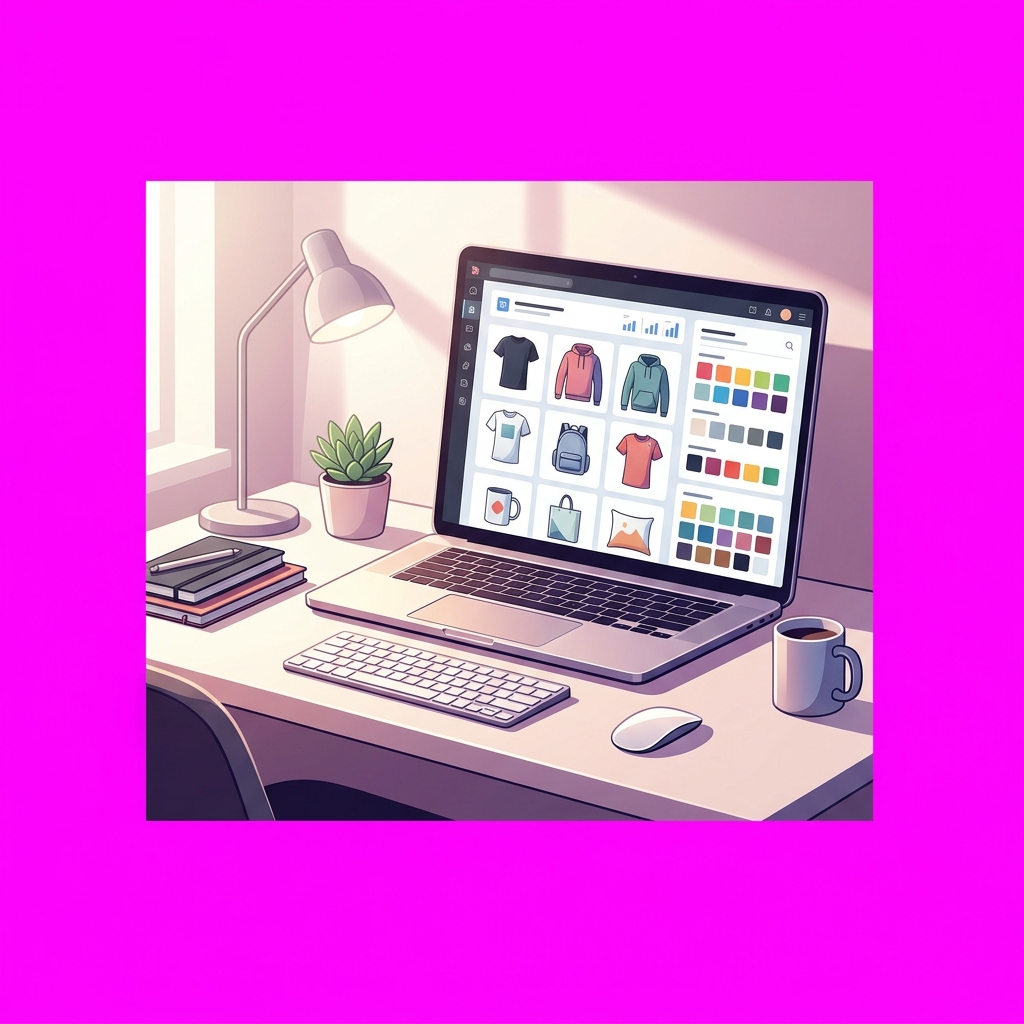
The Challenge of Multi-Image Mockups on Etsy
When running a print-on-demand (POD) store on Etsy, high-converting listings require multiple images. Buyers want to see your apparel or accessories in different colors, lifestyle settings, and style variations. Traditionally, if you sell a t-shirt available in ten colors, you need to manually drop your design onto ten different color blanks, save each image, organize them into folders, and carefully sequence them in your Etsy listing.
This manual workflow eats up hours of valuable time that should be spent on product research and marketing. Furthermore, manual editing often leads to inconsistent lighting, misaligned graphics, and human error in image sequencing. By choosing to automate print on demand mockup swatches etsy workflows, you can eliminate repetitive tasks, scale your catalog faster, and present a professional, cohesive brand image to prospective buyers.
Why Swatch Mockups Matter for Etsy Conversion Rates
Etsy is a highly visual marketplace. When a shopper scrolls through search results, your primary thumbnail grabs their attention. Once they click through to your listing, the remaining slots in your 10-image gallery seal the deal.
Providing clear color and style swatches directly within your image carousel offers several distinct advantages:
- Reduced Buyer Hesitation: Shoppers can immediately visualize what the graphic looks like on heather grey versus dark navy without having to guess from text dropdowns.
- Lower Return Rates: When customers clearly see color variations before purchasing, expectations match reality upon delivery.
- Algorithmic Boost: Etsy’s search algorithm favors listings with complete image galleries and high engagement. Clear, informative variant images keep shoppers on your page longer, signaling quality to the search engine.
Step-by-Step: How to Automate Your Mockup and Listing Workflow
Modern e-commerce and print-on-demand automation tools—like PallFlow—streamline the journey from a raw graphic file to a fully optimized, multi-image Etsy listing. Here is how the automated workflow functions in practice:
Step 1: Upload Your Base Design and Select Products
Instead of generating mockups one by one, you upload your artwork file (typically a high-resolution PNG) into your automation dashboard. You then select the target product categories, such as Bella + Canvas 3001 t-shirts or Gildan 18000 sweatshirts.
Step 2: Configure Color and Style Variants
Select the color palettes and style options you want to offer in your Etsy shop. The automation software automatically applies your transparent design across all selected blank garment colors, adjusting blend modes and shadows dynamically so the print looks natural on both light and dark fabrics.
Step 3: Generate Bulk Mockups and Swatches
Rather than rendering images individually, the system batch-processes your entire variant matrix in minutes. It generates primary mockups, lifestyle scenes, and specific color swatch slides that clearly display your available inventory.
Step 4: Push Directly to Etsy with Structured Variations
Once the images and metadata (SEO-optimized titles, tags, and descriptions) are generated, the automation software publishes the listing straight to your Etsy store via API. It maps the correct mockup images to their corresponding Etsy variation attributes (e.g., selecting "Black" automatically brings up the black shirt mockup).
Best Practices for Etsy Mockup Automation
To get the best results from your automated POD workflow, keep these design and listing strategies in mind:
- Maintain Consistent Lighting: Ensure your base mockups share similar lighting and angles so the transition between color swatches looks professional and intentional.
- Prioritize the First Three Images: Place your best lifestyle mockup first, a clear close-up of the print second, and your color/size chart or swatch guide third.
- Optimize for Mobile: Over 60% of Etsy traffic comes from mobile devices. Ensure your text-based color charts and swatches are legible on smaller screens.
Scale Your Print-on-Demand Store with PallFlow
Scaling a print-on-demand business shouldn't mean drowning in endless hours of manual image processing and file organization. By leveraging PallFlow, you can automate product design generation, bulk mockup creation, and multi-image publishing directly to Shopify and Etsy. Spend less time wrestling with templates and more time growing your e-commerce brand.


