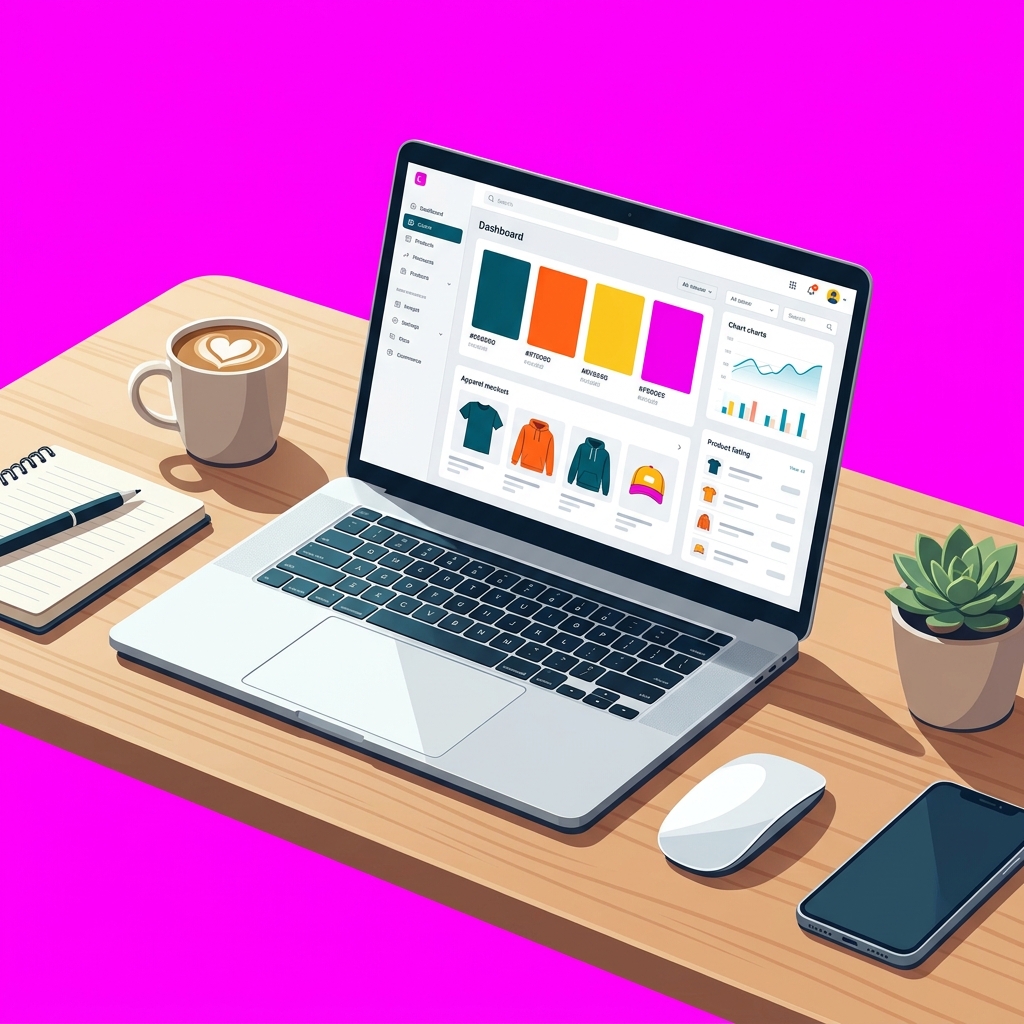
Why Variant Swatches and Correct Mockups Drive POD Conversions
When a buyer visits your Etsy or Shopify store and selects a heather grey t-shirt instead of black, they expect the preview image to update instantly. If the image remains a static black shirt, cognitive friction occurs. Hesitation sets in, and buyer drop-off spikes. In the print-on-demand (POD) industry, visual accuracy is your strongest conversion tool.
Historically, creating individual mockups for every single color, size, and style combination required hours of tedious Photoshop work. Sellers had to manually drop designs onto dozens of blank apparel templates, export them, and upload them one by one.
Today, you can automate POD bulk mockup generation to handle this entire workflow. By leveraging POD automation software like PallFlow, e-commerce entrepreneurs can instantly generate, map, and publish accurate variant swatches directly to Shopify and Etsy without manual intervention.
The Technical Bottleneck of Manual POD Variant Mockups
To understand why automation is essential, look at the math behind a standard POD catalog. Imagine you launch a simple typography design intended for a unisex heavy blend hoodie.
- Colors: 8 distinct colorways (Black, Sport Grey, Navy, Maroon, Forest Green, Sand, Light Pink, White).
- Styles: 2 variants (Hoodie and Sweatshirt).
- Total Mockups Needed: 16 primary hero mockups, plus lifestyle shots, size charts, and detail views.
If you sell just 50 designs a month, that multiplies into hundreds of individual image files. Manually naming, organizing, and linking these images to specific Shopify or Etsy SKU variants often takes days of repetitive administrative labor. Worse, human error leads to mismatched swatches—where a buyer clicking "Pink" sees a blue shirt—resulting in cancelled orders and poor customer reviews.
Step-by-Step: How to Automate POD Mockup Generation and Swatch Mapping
Modern automation software bridges the gap between your raw design files and your e-commerce storefront. Here is the exact framework for setting up an automated pipeline.
Step 1: Centralize Your Design Assets and Templates
Start by uploading your master PNG design files into your automation platform. Ensure your designs have transparent backgrounds and high resolution (typically 300 DPI) so they scale correctly across different fabric textures.
Step 2: Configure Variant Color Rules
Define your product catalog rules within the automation software. Map your supplier's color inventory (e.g., Gildan 18000 color codes) to your store front-end choices.
- Assign specific hex codes or swatch thumbnail images to each color variant.
- Set up rules for dark vs. light garments so the software automatically swaps your ink colors (e.g., white ink on black shirts, black ink on white shirts).
Step 3: Bulk Generate Mockup Renders
Instead of rendering images one by one, use the software's bulk processing engine. The system will programmatically apply your artwork onto realistic, high-converting mockup templates for every selected colorway simultaneously.
Step 4: Direct Publishing and Variant Linking to Shopify & Etsy
Once the mockups are generated, the automation tool pushes the product data directly to your connected Shopify or Etsy store via API. Crucially, it doesn't just upload images; it programmatically maps each generated mockup to its corresponding variant ID. When a customer changes the dropdown menu on your product page, the correct mockup displays immediately.
Best Practices for POD Mockup Optimization
Automating your workflow is only half the battle. To maximize your return on ad spend (ROAS) and organic search visibility, keep these optimization tips in mind:
- Lead with Your Best Color: Make sure the primary thumbnail (the first image a buyer sees in search results) is your highest-converting or most vibrant colorway.
- Maintain Consistent Lighting: Ensure all automated mockups share a similar studio lighting style so your storefront looks cohesive rather than cobbled together.
- Include Lifestyle Imagery: While flat-lay or hanger mockups are great for color accuracy, mix in at least one lifestyle mockup per listing to help customers visualize the fit.
- Leverage Multi-Platform Sync: Use automation tools that support simultaneous publishing to both Shopify and Etsy to capture traffic from marketplace search engines and your own branded storefront.
Scale Your Store Without Increasing Headcount
Manual busywork is the silent killer of e-commerce growth. By implementing automated POD bulk mockup generation, you eliminate the bottleneck of visual asset creation. Platforms like PallFlow handle the heavy lifting of design generation, mockup rendering, and variant swatch mapping, allowing you to focus purely on marketing, niche research, and scaling your brand.
Stop losing sales to outdated static images. Streamline your catalog management today and give your buyers the seamless, interactive shopping experience they expect.


